Physical network
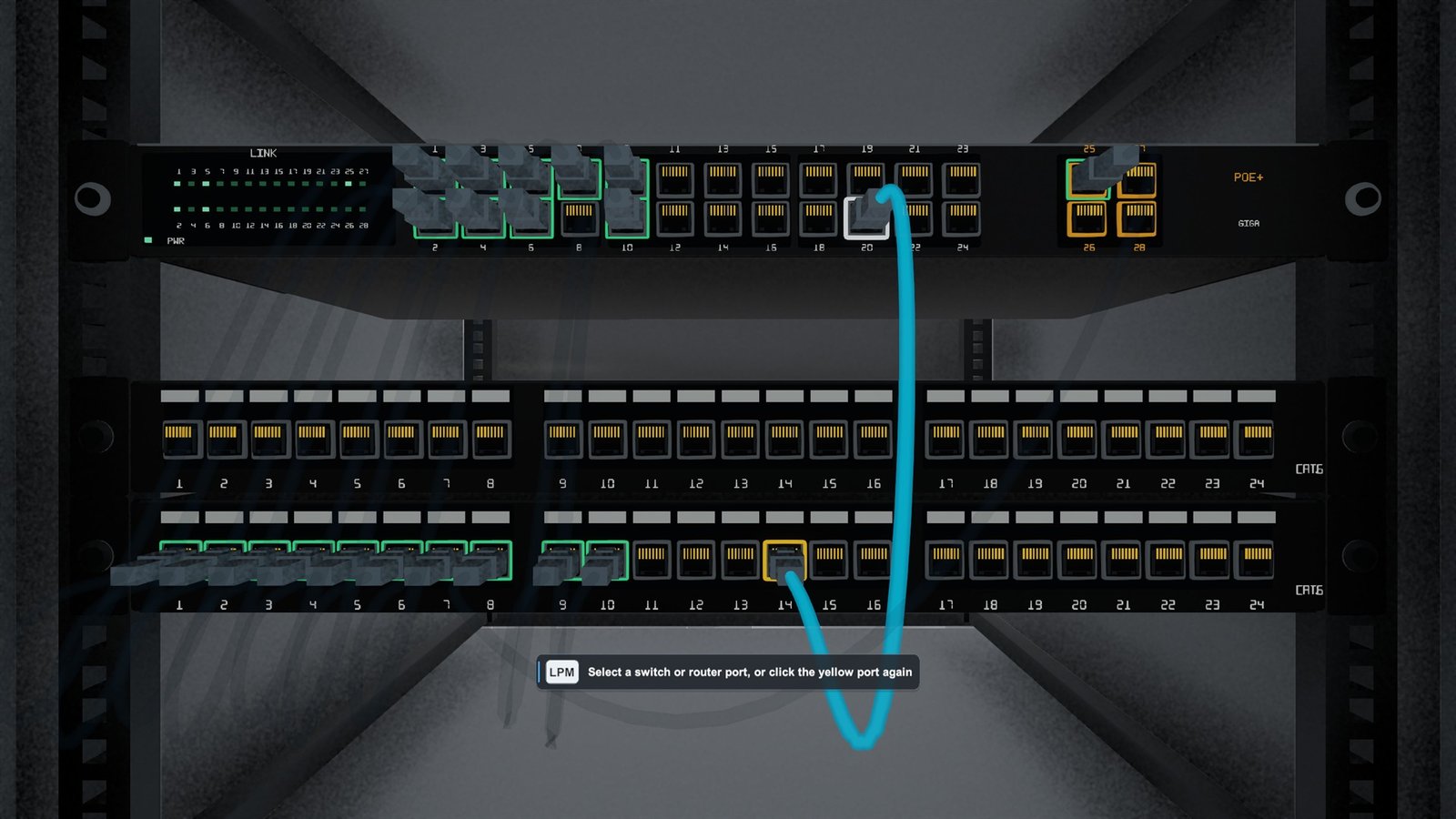
Sockets, patch panels, permanent links, ports and individual cable faults form a real physical route.
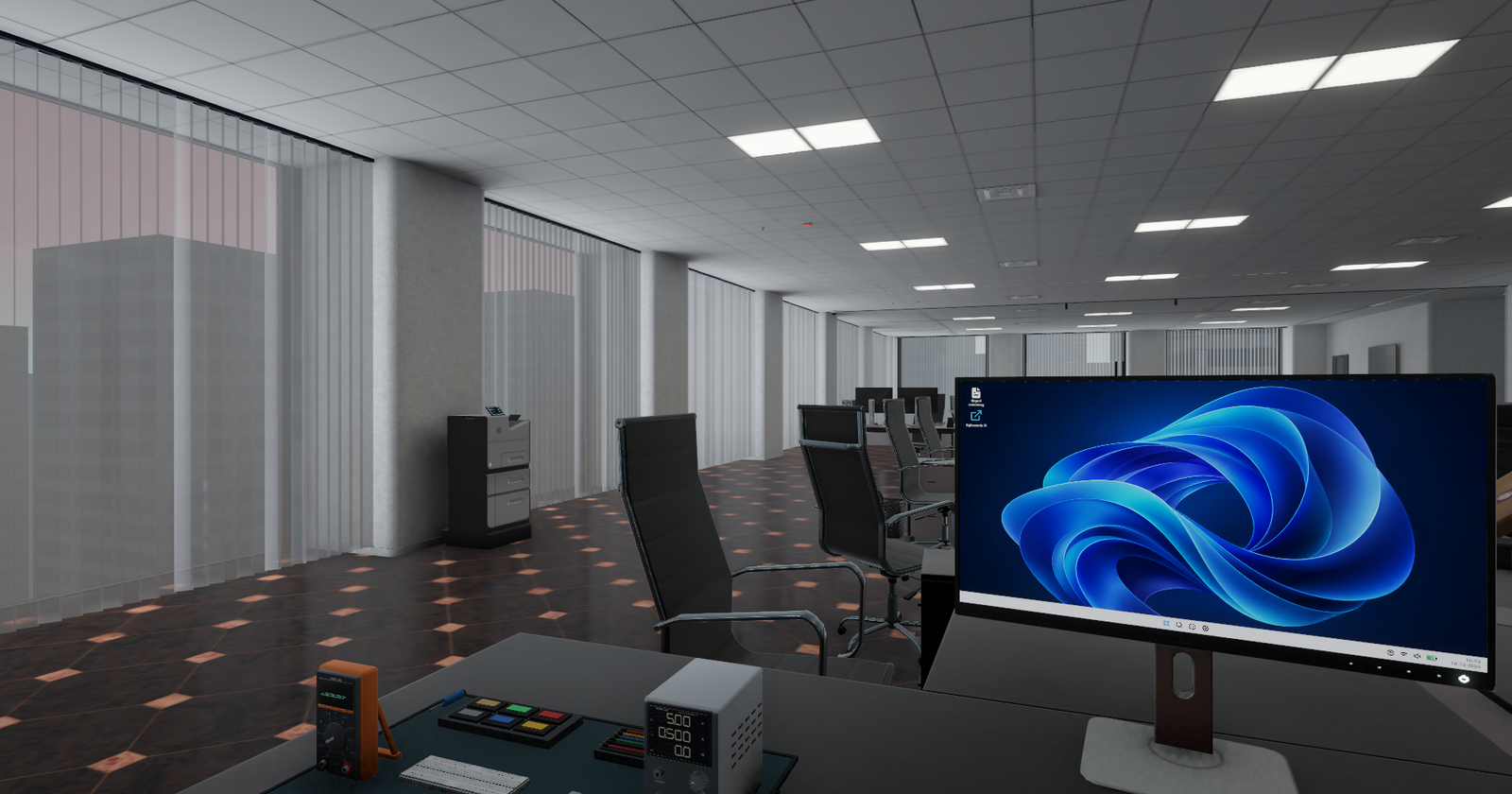
First-person simulator of working in the
Nobody touched anything, and it stopped working anyway.
The ticket is only the start
You work in the IT department of a large company. People report problems; you go there and sort them out.
A missing connection might mean a loose cable, a disabled adapter, bad IP settings, DHCP or a device further down the line. The game does not pick the answer for you.
You finish the job by restoring the service, not by clicking the right dialogue option.
Follow a story over several days, take one random shift, or just walk into the office and do your own thing.
The story runs across several workdays. You meet the people in the company, deal with their problems and return the next morning instead of starting from scratch.
You start a single workday with a randomly selected set of tickets. Clock in, handle what you can and clock out without starting the story mode.
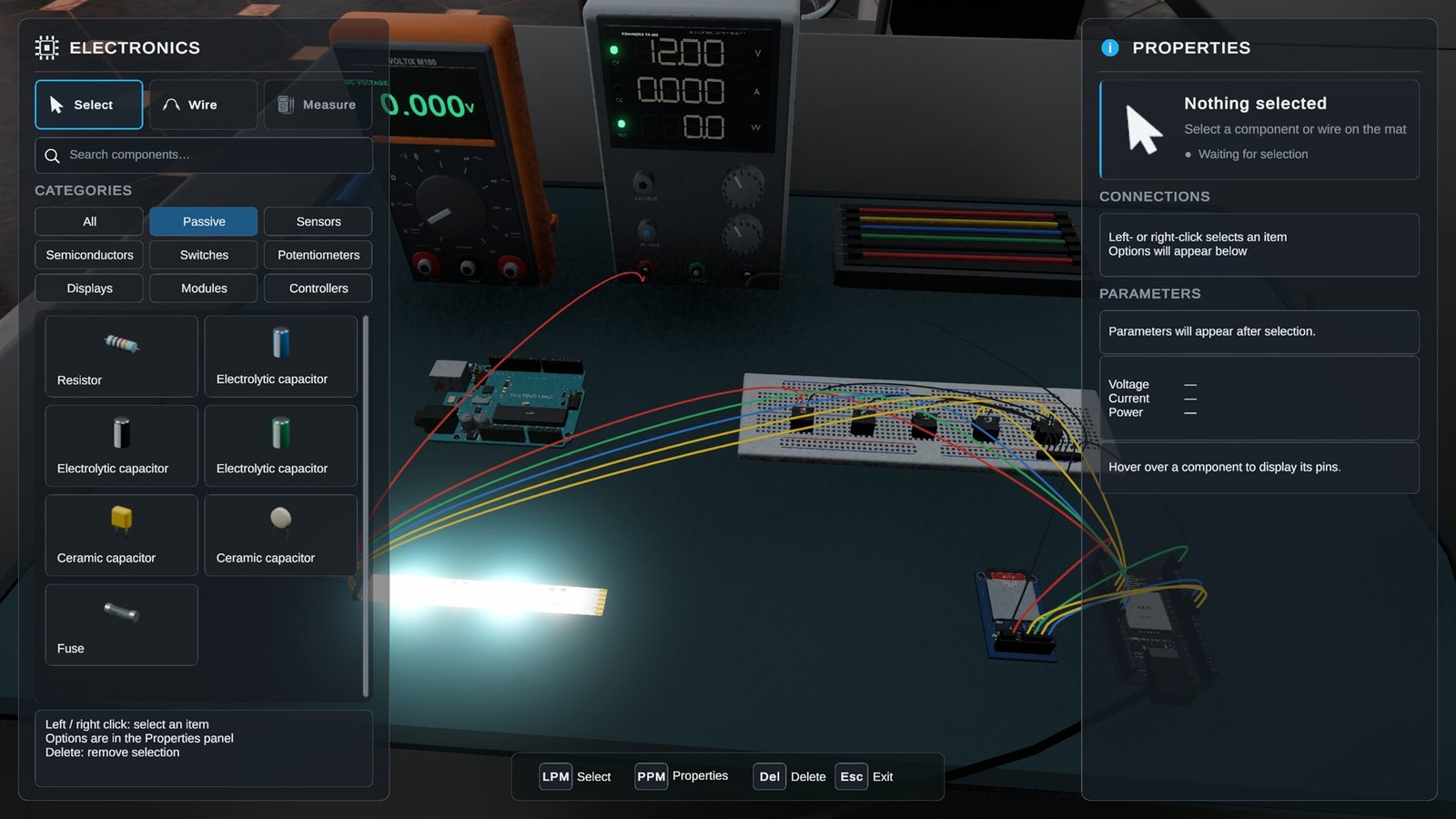
Walk around the game world at your own pace. Build networks, write programs, make electronics in Voltino IDE and test whatever comes to mind.
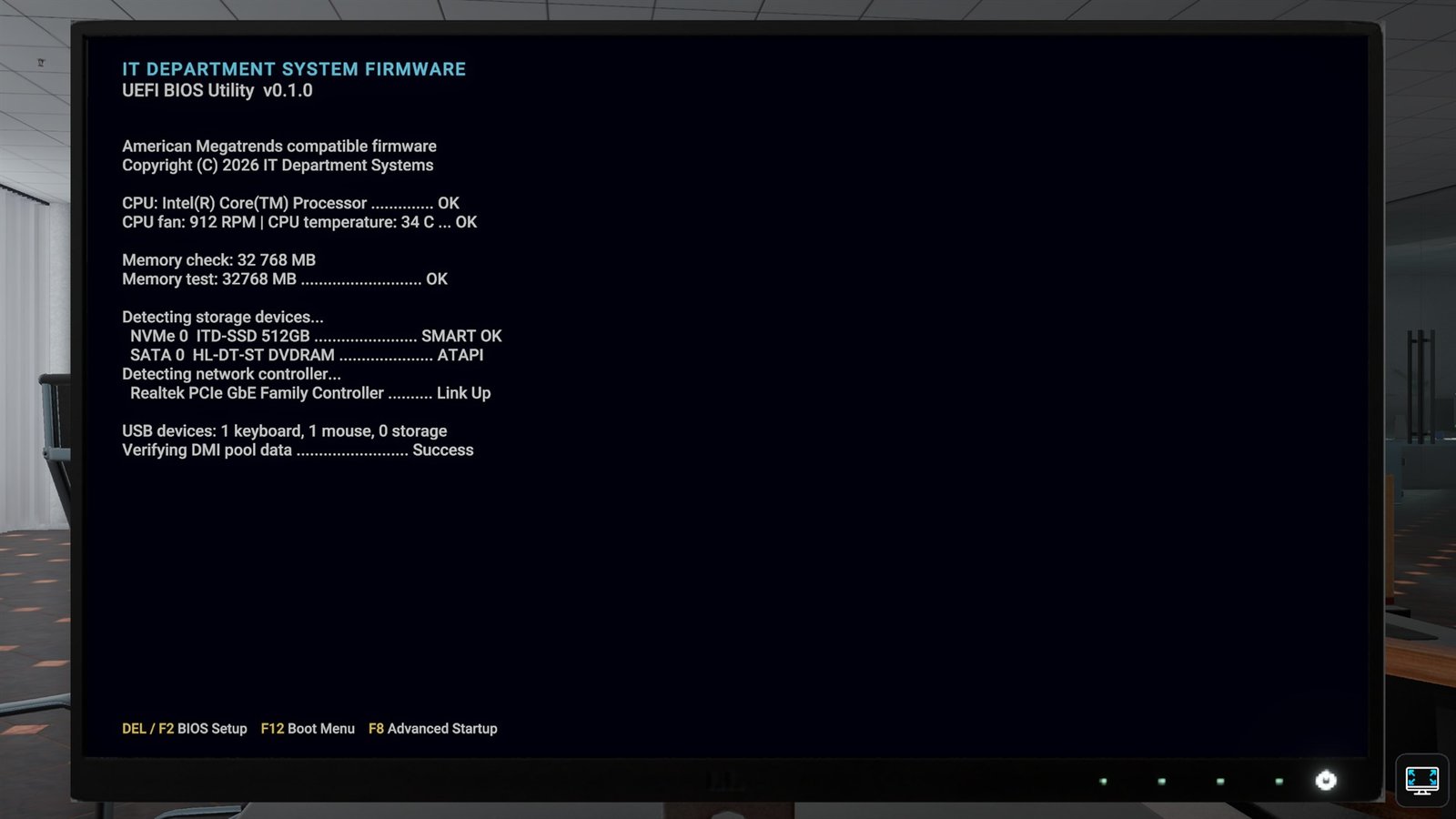 Firmware boot
Use the machine
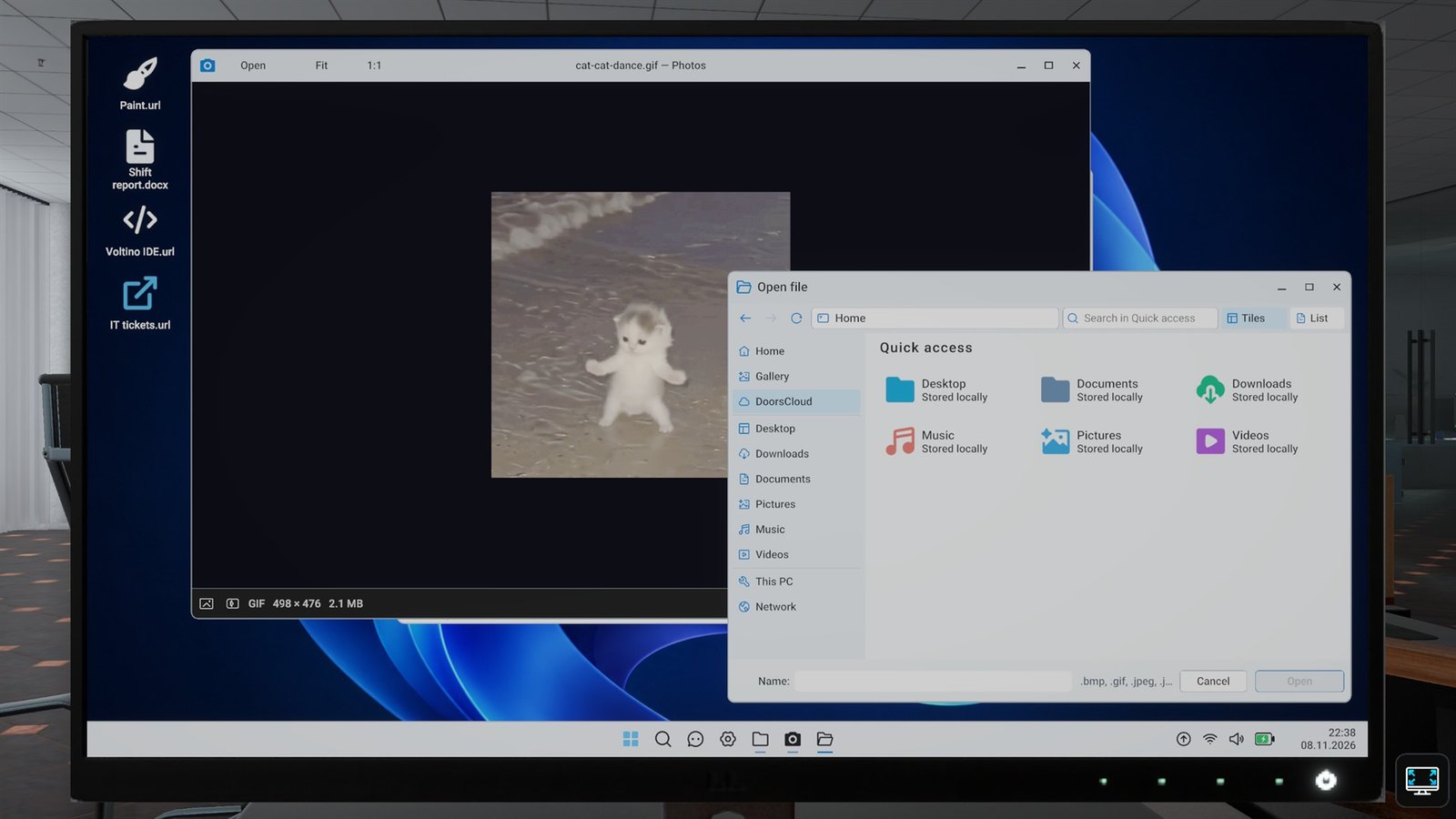
Workstations boot through firmware and into DoorsOS, a playable operating system built for the game. Use its terminal, file explorer, device tools, event logs and administrative panels when the fault calls for them.
Company infrastructure
The physical network, managed devices, printers, DoorsOS, servers, storage, access control and monitoring all belong to the same office. A fault in one place can quickly create tickets somewhere else.
Sockets, patch panels, permanent links, ports and individual cable faults form a real physical route.
Configure routers, switches and access points through web panels or SSH. VLANs, DHCP, DNS, Wi-Fi, PoE, NAT and firewall rules share one network.
Boot through firmware, sign in locally or to the domain, then use the terminal, Explorer, Device Manager, Event Viewer and system settings.
Install Doors Server with a desktop or Server Core. Manage users, groups, OUs, Group Policy, certificates, updates and remote access.
Work with SMB shares, permissions, open files, snapshots, network backups, encryption and a twelve-bay RAID 6 server with drive failures and rebuilds.
Network printers add connectivity, drivers, queues, the spooler, paper, toner and a print server to the list of things that can ruin a quiet afternoon.
Networked readers control doors and record working time. Manage people, zones and schedules on the server, then trace faults through the reader, LAN, time sync or central service.
Cameras, live view, recordings and the monitoring system are planned as part of the same office infrastructure.
Development tools
The tools inside DoorsOS let you write code and use the result in the game world. C++ now connects that work with electronics, and multiplayer is something we would like to add in the future.
Build pages with HTML, CSS and JavaScript, then open them in the DoorsOS browser powered by a full web rendering engine. Layouts, scripts and forms work like they should.
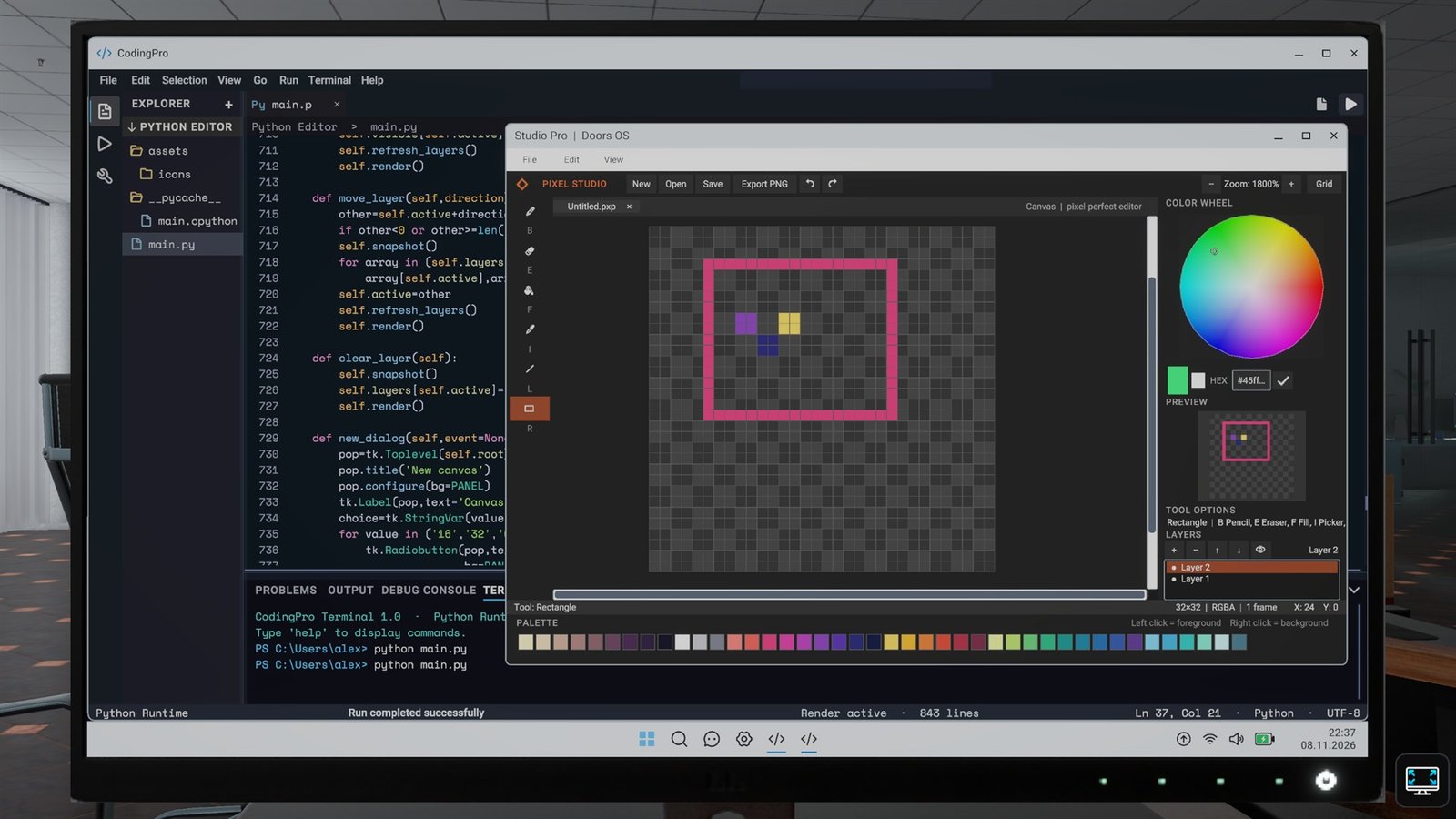
Python already runs in Coding Pro. The next step is designing windowed applications with buttons, fields and working program logic.
Write and run C# code in Coding Pro. It is the base for more substantial company tools and desktop applications planned for later development.
Java will join Coding Pro as another fully supported language. You will be able to create projects, compile code and run your own programs directly in DoorsOS.
C++ already runs in Voltino IDE, where you write, compile and upload programs to the electronic boards you build in the game.
Build circuits on a breadboard, connect LEDs, sensors and other components, then write and run the board logic in C++ with Voltino IDE.
A shared shift, divided tickets and two people working on the same outage. Multiplayer is an idea we would love to bring to the game.
Use local and domain accounts, work with files and permissions, run network commands, configure devices and manage servers. What happens in DoorsOS affects the rest of the office.
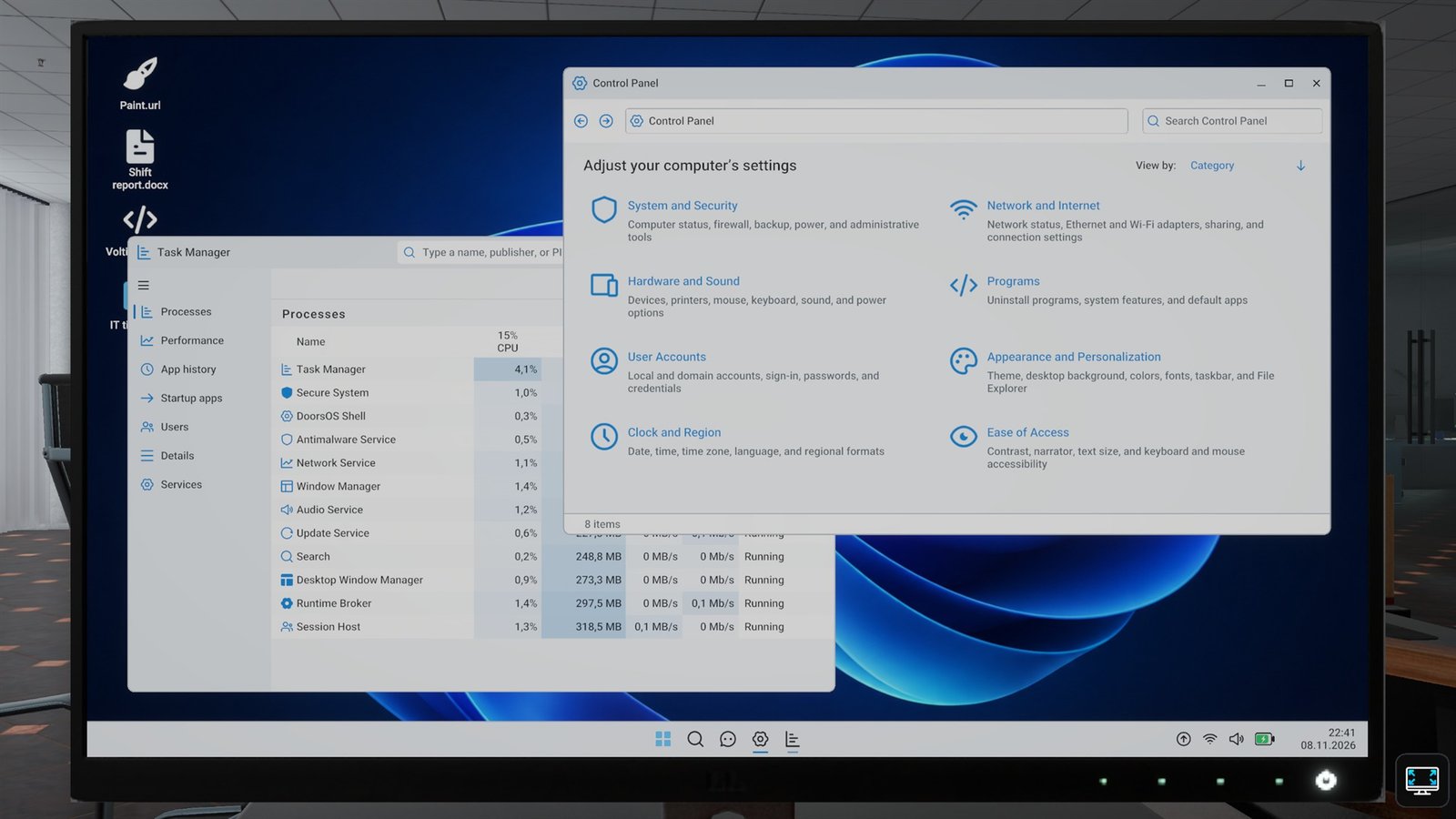
Current build
Screenshots are from the current development build. The office and UI are still changing.
Project status
In active developmentCurrent state
The core systems already talk to each other: DoorsOS, the physical LAN, managed devices, domains, file shares, backups and storage.
Now we are turning that tech into the workday itself: more tickets, more employee problems and more ways for a quick fix to become a long afternoon.
FAQ
What the game is, how far its systems go and what is still being built.
Tealflame Studio is an independent game studio. Its current project is IT Department, a first-person simulation game coming to Steam.
IT Department is a first-person simulation of working in a company IT department. You receive support tickets from employees, diagnose the actual cause of a problem and restore the affected service.
A ticket sends you to a workstation or service. You inspect the computer, cabling, network configuration, servers and logs, follow the fault through the office and verify that everything works before closing the ticket.
The systems are connected rather than presented as isolated minigames. The physical LAN, network devices, DoorsOS, domains, accounts, file shares, storage and company services can affect one another.
DoorsOS is a playable operating system created for the game. It includes firmware startup, local and domain sign-in, files, system settings, a terminal, device management, event logs and administrative tools.
Yes. The current build includes web development with HTML, CSS and JavaScript, Python, C# and C++. Voltino IDE is a playable electronics and board-programming environment created for IT Department. Java is planned.
Network printing is in development. Cameras, monitoring, access control and time registration are planned. Multiplayer is an idea we would love to bring to the game.
IT Department is in active development and will be available on Steam. Tealflame Studio has not announced a release date yet.
Yes. Code written in the game is real code, not a scripted minigame. You can move the files out of the game and continue working on them in a regular editor or development environment. A project may still require the same libraries and dependencies.
We are not only recreating how computers look. We want the networks, programming, operating system and file handling to feel believable as well. A dedicated folder on your computer appears in DoorsOS as a virtual drive, so files can be moved between your real system and the game.
Tealflame Studio
We are creating IT Department, a simulation of working in a company IT department. The game is coming to Steam.